Deutsch
 English
 Español
 Français
 Italiano
 Portugal
 Pусский
 中文
中文
 한국어
한국어
 العربية
Rent WiFi in Turkey: How Booking, Pick-up and Return Work
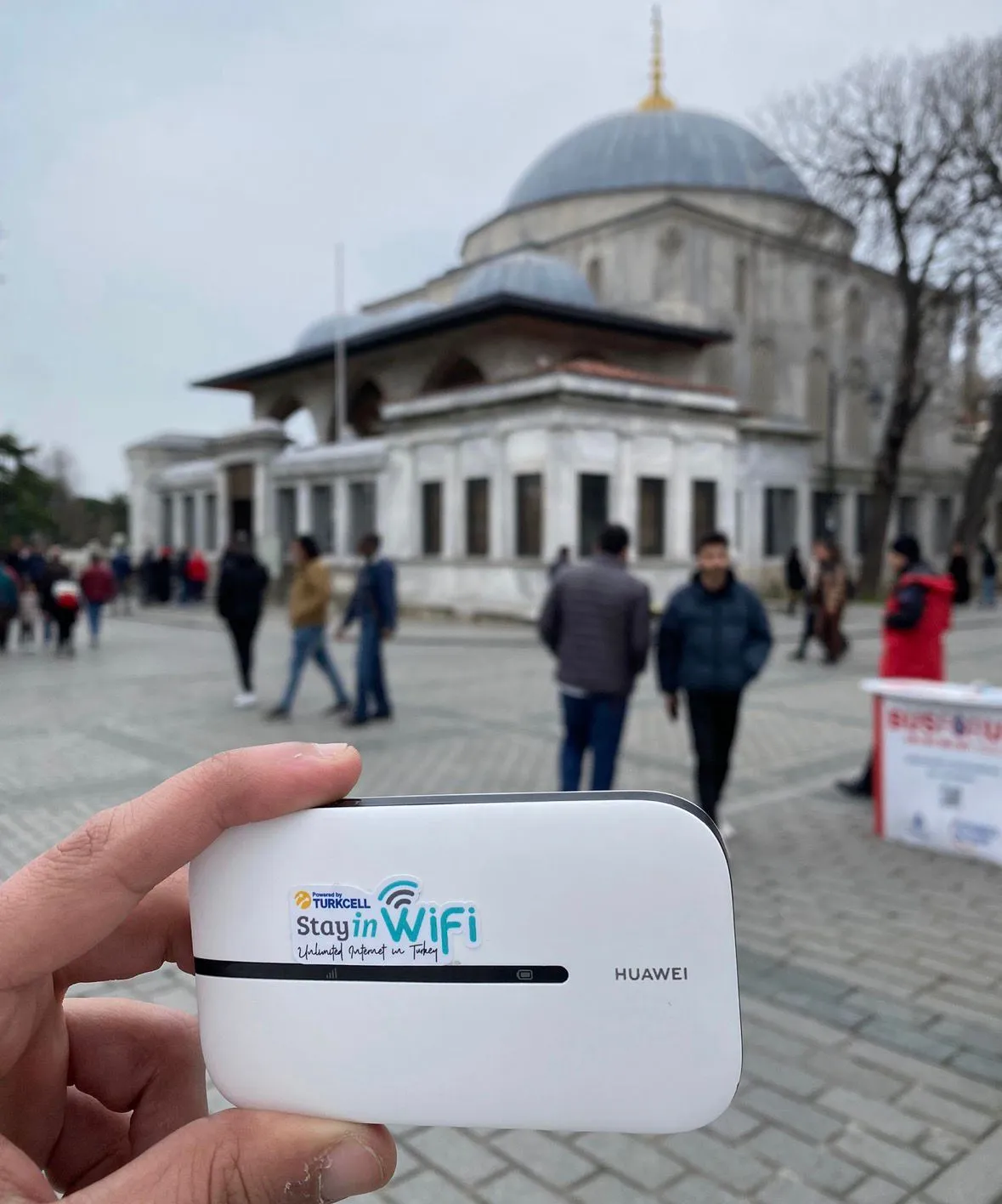
Want to rent WiFi in Turkey but not sure how it works in practice? This guide walks through the whole rental process with StayinWifi: booking online, choosing how long to rent, picking the device up, paying, and returning it at the end of your trip.
Contents
Booking in four steps
- Choose your dates. Enter the start date and end date of your rental on the booking form.
- Choose how you receive it. Select airport pick-up, hotel delivery, or delivery to another address.
- Choose how many devices. Each WiFi device connects up to 6 phones, tablets or laptops; larger groups can book more than one.
- Add your details and pay. Enter your contact details, check the order summary and pay securely.
If you have a discount or referral code, you can enter it during booking.
Rental durations and long-rental discount
You can rent a WiFi device for daily, weekly or monthly use, so it fits anything from a short city break to a long stay. You set the exact period by choosing your start and end dates.
- A few days: a weekend in Istanbul or a short business trip.
- A week or two: a classic round trip or a beach holiday.
- A month or more: long stays, remote work or visiting family.
Rental starts from €5.90 per day, and longer rentals get a discount. Staying longer than planned? You can extend your rental.
Pick-up options
When you book, you choose where the rental starts:
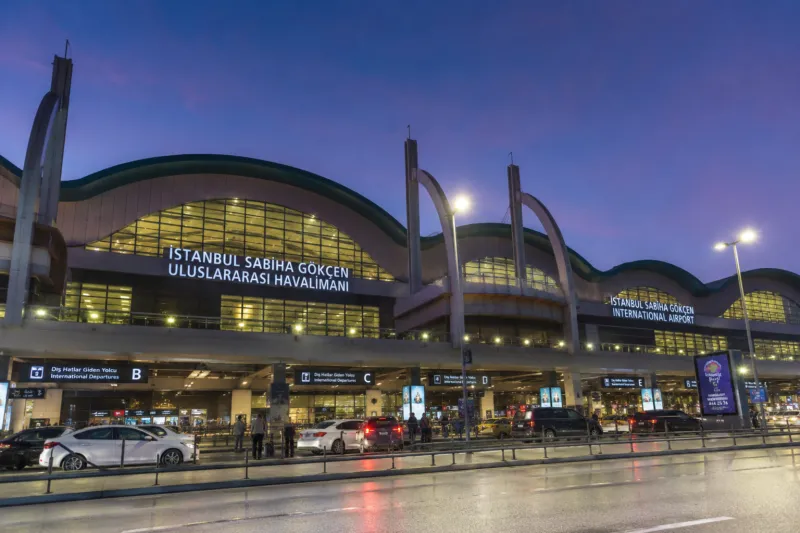
- Airport pick-up, 24/7: Istanbul Airport (IST), Sabiha Gökçen Airport (SAW) and Trabzon Airport.
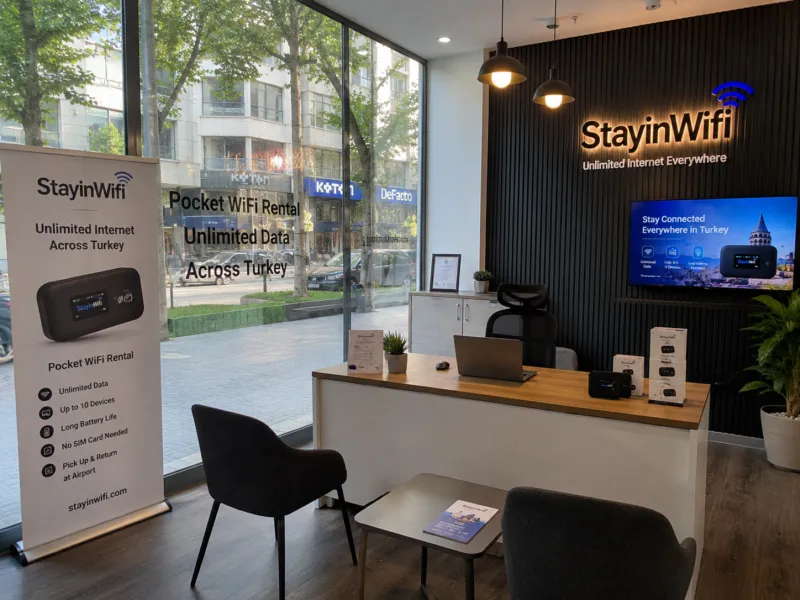
- Office pick-up: our Bursa office.
- Hotel or Airbnb delivery: enter the hotel or residence name and room number.
- Delivery to an address: shipping to an address anywhere in Turkey.
For airport pick-up, bring your passport. Arriving at Istanbul Airport? The step-by-step pick-up guide is on our Istanbul Airport pocket WiFi page. Staying in the city, the Istanbul WiFi rental page explains hotel delivery.
Payment and cancellation
- Secure payment: card payment with 3D Secure verification.
- No hidden fees: all prices are shown on the website, and you see the order summary before you pay.
- Free cancellation: up to 24 hours.
After payment, your order is confirmed and the device is prepared for your pick-up point or delivery address.
Returning the device
You also choose the return when you book. The return point does not have to be the same as the pick-up point:
- Return at one of the airport return points: Istanbul Airport, Sabiha Gökçen or Trabzon.
- Return at the Bursa office.
- Have the device collected from an address, such as your hotel.
Please bring everything that was in the box: the device, power bank, charging cable and adapter. A fee applies for lost or unreturned items; see our FAQ for details.
Tips before you book
- Count your devices. Add up the phones, tablets and laptops in your group. Up to six fit on one modem; above that, book a second one so nobody has to share a slow queue of downloads.
- Match the dates to your flights. Airport pick-up and return run 24/7, so choose the day you land as the start date and the day you fly home as the end date, even for night flights.
- Have your stay details ready. For hotel or Airbnb delivery, you will need the hotel or residence name, the room number and the street, plus the province and district.
- Use a phone number you can be reached on. A mobile number with the right country code makes it easy to contact you about your delivery.
- Think about the return first. If your last night is in a different city from your first, choose a return point or collection address that suits the end of your trip, not the start.
- Book before you fly. Your device is reserved and ready when you land, instead of looking for a solution in the arrivals hall.
What you are renting
The rental gives you unlimited 4G/5G internet on Turkcell's network across Turkey, under a fair usage policy, for up to 6 devices per modem, with a power bank included. For battery life, setup and daily use, see our page on the portable WiFi device.
Choose your dates, pick-up point and number of devices on the booking form; it takes a couple of minutes. Our support team answers questions 24/7 on WhatsApp, weekends included.