Deutsch
 English
 Español
 Français
 Italiano
 Português
 Русский
 中文
中文
 한국어
한국어
 العربية
Pick Up Your Pocket WiFi at Istanbul Airport (IST): Step by Step
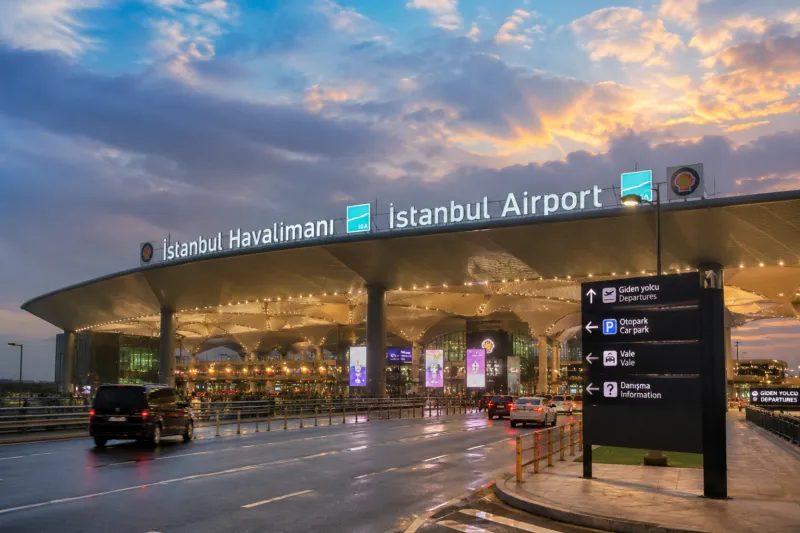
Wondering where to pick up your pocket WiFi at Istanbul Airport? This page walks you through the whole process at IST, from booking before you fly to handing the device back on your way home. StayinWifi pick-up and return at Istanbul Airport run 24/7, so it does not matter whether your flight lands at noon or at 3 a.m. All you need is your booking and your passport.
Contents
Before you fly: book and choose IST
Reserve your device online a little before your trip so it is waiting for you when you land:
- Open the booking form and choose Istanbul Airport (IST) as the pick-up point.
- Pick your start and end dates. You can rent for a few days, a week or a month; longer rentals get a discount.
- Choose how many devices you need. Each one connects up to 6 phones, tablets or laptops.
- Pick where you will return it: Istanbul Airport again, another airport point, or collection from an address.
- Pay securely by card with 3D Secure.
Prices start from €5.90 per day and the full total is shown before you pay, with no hidden fees.
What to bring to the pick-up point
- Your passport. The device is handed over after you show it.
- Your booking details, in case you need them.
- A phone that can join a WiFi network. No SIM swap and no app are needed.
Where to pick up at Istanbul Airport
The pick-up is outside the baggage hall, in the arrivals area:
- Collect your luggage and walk out through the arrivals exit.
- Head to Exit Gate 13.
- Our representative waits for you at sign M44.
- Show your passport and receive your WiFi device.
The latest directions, with any updates, are on the Istanbul Airport pick-up page. If you cannot find the point, message our support team on WhatsApp; they answer 24/7, weekends included.
Switch on and connect
Turn the device on, choose its network on your phone and enter the WiFi password shown on the screen. That is it: you have unlimited internet on the Turkcell and Türk Telekom 4G/5G networks, under a fair usage policy, before you even reach the taxi rank.
Your own SIM stays in your phone, so you can still receive calls and SMS on your usual number. The box also contains a power bank, a charging cable and an adapter; the device battery lasts 8–12 hours on average, and the power bank keeps you going on long days.
Late arrivals, groups and delays
Because the Istanbul Airport point works 24/7, a delayed flight does not cost you your device. If your arrival time changes, simply let our support team know on WhatsApp so they can expect you.
Travelling as a family or a group? One device connects up to 6 phones, tablets or laptops, so most families only need one. For a larger group, book two or more devices in the same reservation and collect them together at the same sign with one passport check. Everyone joins the WiFi before leaving the terminal, which makes it easy to order a ride, check the hotel address and message home while you wait for the others.
Returning the device at IST
The return point is the OH MY GIFT store on the departures floor, right next to check-in counter E.
- The nearest entrances are Gate 3 and Gate 4.
- Coming in from Gates 6, 7 or 8? Enter the departures hall and walk right. The counters run H, G, F, E, so you pass H, G and F before you reach E.
- Return the device before passport control. Once you have passed it, you cannot come back to the return point.
- Take a photo of the device or the return bag and send it to us on WhatsApp.
- Hand back everything from the box: device, power bank, cable and adapter.
A fee applies if the device or accessories are lost or not returned; see the FAQ for details.
Not flying through IST?
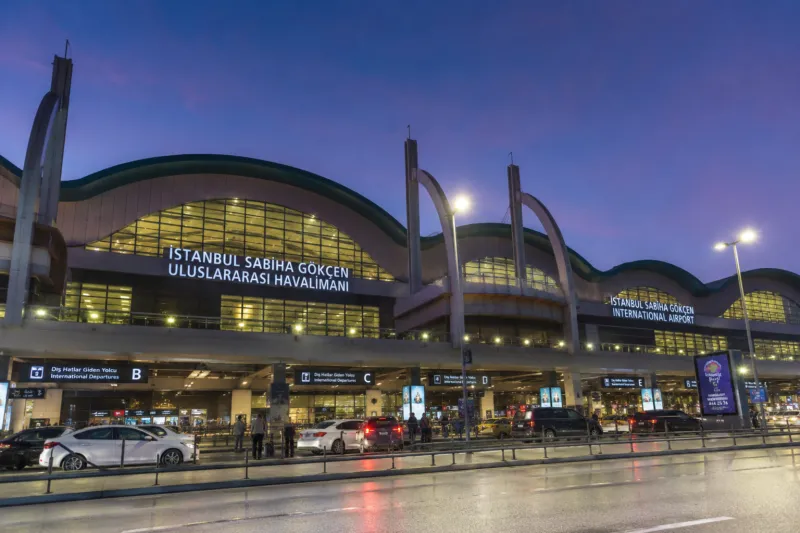
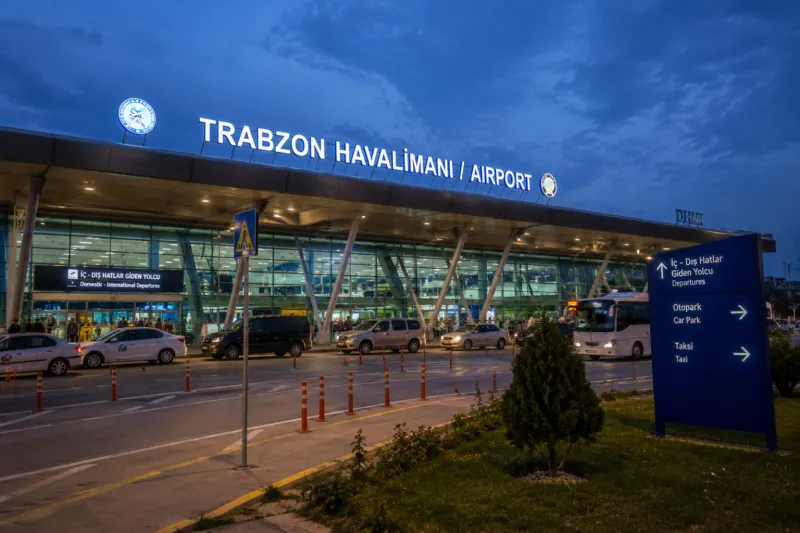
If you land at Sabiha Gökçen, read our Sabiha Gökçen Airport WiFi guide. StayinWifi also offers 24/7 pick-up and return at Trabzon Airport, pick-up at our Bursa office and delivery to your hotel or Airbnb. See all pick-up locations or compare them in our airport WiFi rental overview.
Curious why a rental beats the free terminal network? Our guide to getting online at Istanbul Airport explains what to expect when you land.