Deutsch
 English
 Español
 Français
 Italiano
 Portugal
 Pусский
 中文
中文
 한국어
한국어
 العربية
Internet for Tourists in Turkey: Your Pre-Trip Checklist
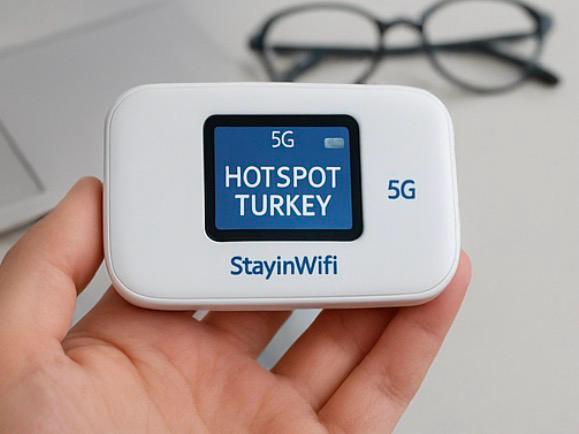
Sorting out internet for tourists in Turkey is much easier at home than at the arrivals hall at midnight. This checklist covers what to arrange before you fly, so your phone works the moment you land. It does not compare every option in depth; if you are still deciding, read our overview for tourists first, and if you want the actions on arrival day, follow how to get internet in Turkey step by step.
Contents
Two weeks before: check your home plan
- Ask your carrier about roaming in Turkey. Turkey is not in the EU, so EU roaming rules do not apply. Find out the price per day or per megabyte before you use data abroad. Our guide to mobile internet costs in Turkey explains what to look for.
- Decide how you want to stay reachable. If you need your own number for bank codes or family, choose an option that keeps your home SIM in the phone.
- Check whether your phone is unlocked if you are thinking about a Turkish SIM card or an eSIM.
One week before: choose and book
- Count your devices. Phones, tablets, laptops, a child's device. One StayinWifi modem connects up to 6 at once; more than that, book a second modem.
- eSIM? Check that every phone supports it and install it before departure, while you still have home WiFi.
- Pocket WiFi? Book on the booking form. Rental starts from €5.90 per day, with daily, weekly and monthly options and a discount for longer rentals.
- Staying longer than 120 days with a Turkish SIM? A foreign phone then has to be IMEI-registered. A pocket WiFi avoids this, because your phone only joins a WiFi network.
Choose where to collect the device
Pick the collection point that matches your arrival, not just your hotel:
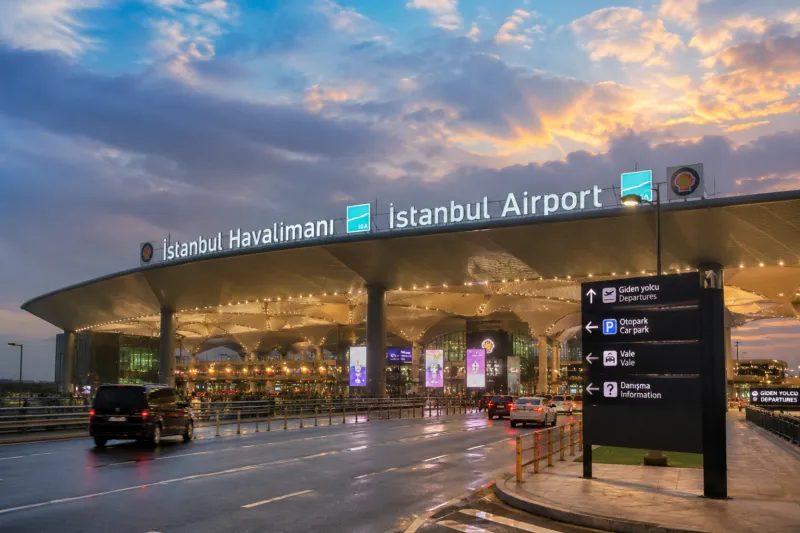
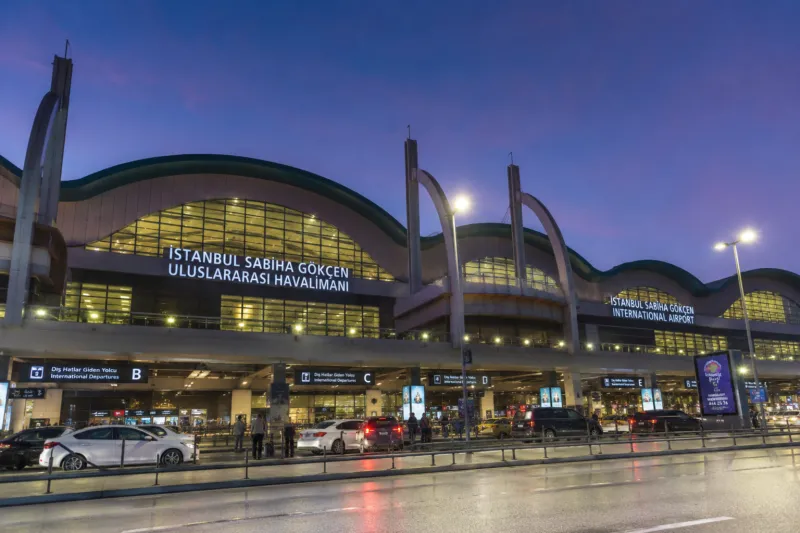
- Landing at Istanbul Airport (IST), Sabiha Gökçen (SAW) or Trabzon Airport: 24/7 pick-up and return.
- Going straight to your accommodation: delivery to your hotel or Airbnb.
- Staying elsewhere in Turkey: shipping to your address, when offered on the booking form.
Note the exact spot from the locations page and save a screenshot, since you may have no signal when you land.
Extra checks for families and groups
- Agree who carries the modem. The connection reaches devices close to it, so on days when the group splits up, a second modem saves arguments.
- Include children's tablets and spare phones in your device count; they connect over WiFi without a SIM of their own.
- Arriving on different flights? Book separate modems and choose each person's own arrival airport as the pick-up point.
- Laptops for work: email and video calls are fine; large downloads and big system updates are outside the terms of use, so run those on hotel WiFi or before you leave.
The day before: pack and save
- Passport in your hand luggage: you show it at airport pick-up.
- Screenshot your booking and the pick-up directions.
- Save the support WhatsApp number. Help is available 24/7, weekends included.
- Download offline maps of your first destination and the transfer or taxi app you plan to use, while you are on home WiFi.
- No need to pack an extra charger for the modem: the box includes a power bank, a charging cable and an adapter.
At a glance
| When | What to do |
|---|---|
| 2 weeks before | Check roaming prices, phone unlock status, how you will stay reachable |
| 1 week before | Count devices, choose pocket WiFi or eSIM, book |
| A few days before | Confirm pick-up point and save directions |
| Day before | Passport, screenshots, offline maps, support number |
| On landing | Collect, turn on, enter the password on the screen |
Plan the return too
- Know where you will hand the device back. You can return it to a different point or have it collected from an address.
- At the airport, return it before passport control.
- Return everything from the box. A fee applies for lost items; see the FAQ.
- The device works only inside Turkey, so do not take it on to your next country.
Why arrange all this before you fly? Free airport WiFi usually needs an SMS code or passport verification and is time-limited, and a SIM counter means one more stop after a long flight. With everything booked, you walk out, collect your modem, turn it on and enter the password shown on the screen: unlimited 4G/5G on Turkcell's network for every phone in your group, with your own number still active.